Reviews Get an Assistant
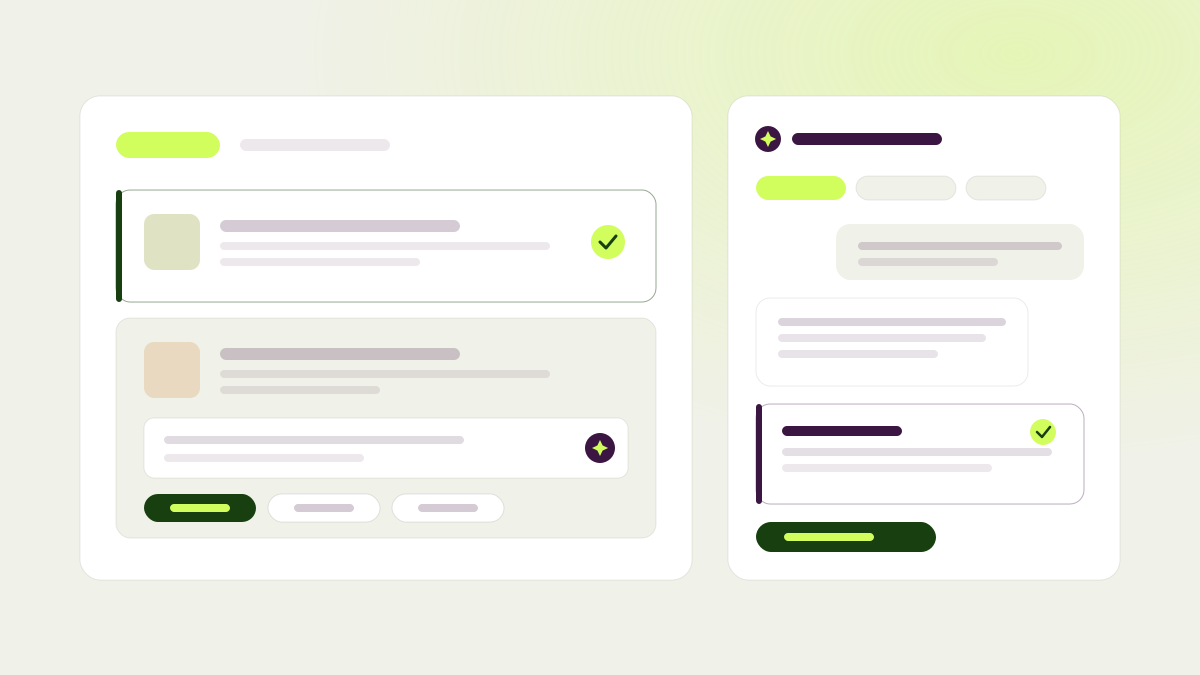
Reviewing a test used to mean approve, reject, or veto, and not much else. If you wanted to understand why a change was proposed, ask for a better version, or suggest what to test next, that happened in a side conversation the agent never saw. Now it happens right inside the review.
Open a pending review and you’ll find an assistant that already knows the page, the hypothesis, the cohort, the goals, the actual changes, and the screenshot. Ask it why a change was proposed and it explains the reasoning before you decide. Ask it to draft a revision of a specific change, and you can attach that draft to your review so the agent reworking the test acts on it directly. Ask it to draft a follow-up hypothesis, and the test owner can promote it straight into Hypotheses. The assistant can only propose: it never edits the test, applies a change, or submits your review for you. Your conversation is saved per reviewer, and you can reset it any time without losing the earlier thread.
Once you’ve typed a comment, a new button gives you a one-line verdict on whether the agent will be able to act on it, and names the one detail you’re missing if it can’t. That used to be something you only discovered a round later.
The review page itself was rebuilt around a single, consistent card for every change, with the decision color carried through the whole card so status is obvious at a glance. The control bar now adapts cleanly between desktop and mobile, a single-variation review skips the stepper entirely, and the Approve, Reject, Veto, and Remove buttons now explain what each one actually does next. New tests now require a review by default, and a test sitting in Review carries its live status (still waiting on reviewers, everything approved, a change rejected without blocking, or blocked by a veto) right inside its badge, wherever that test shows up: the dashboard, test lists, page detail, and trigger pages.
Roll back a variation in the extension
Every variation group now keeps a full history of its revisions, newest first, each with its screenshot, change count, and date. Preview any older revision directly on the live page, then step back to the current one when you’re done. If an older revision was better, restore it and it becomes the new current version, available any time a test is idle or in review.
Changes that do the math for you
The agent can now build changes with values it computes rather than hard-codes, and that update live as a visitor interacts with the page. On a pricing page with a 1-year and 2-year contract toggle, for example, it can add a line under each package stating the promo duration, the price after the promo, and the average monthly price, all calculated correctly and recalculated the instant a visitor flips the toggle. It reads the real numbers off the page as it renders, so the copy stays accurate even after you change your prices, and it adds to what’s already there instead of replacing your existing promo copy.
A few more upgrades round out this release: existing accounts can now set a password in profile settings and sign in with it, with email codes still available as a fallback. Trigger rules can now target pages where a piece of structured product data is missing, not just where it’s present. Tests created from an explorer round without a hypothesis show a compass next to the test number, and hovering it lists the angles that round is exploring; hypotheses now show up next to test numbers across every test list. The dashboard sidebar was redesigned with your site’s favicon and domain up top, a quick-actions chip, and an account menu at the bottom, the website switcher now shows how many tests each site has, and the pages table got a cleaner expand control with tree lines showing page hierarchy. Conversion goals you’d archived are restored instead of blocked if you add them again, and after we ship an update, tabs you already had open pick it up automatically.