pagent Joins Claude's Connector Directory
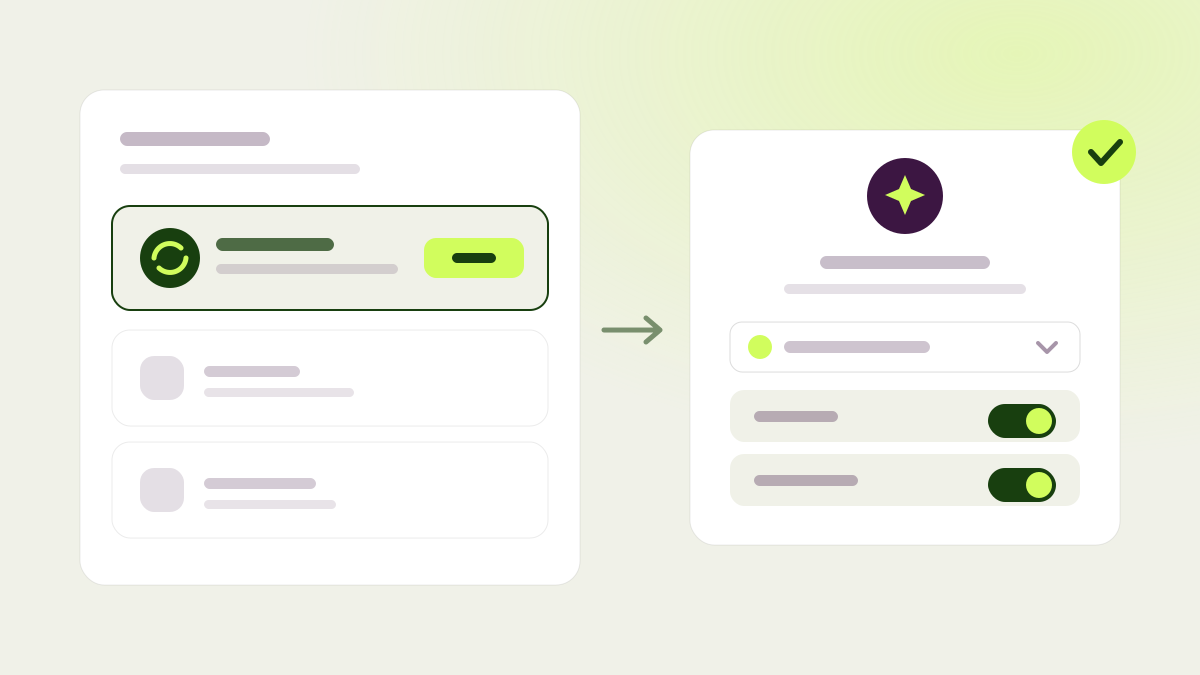
pagent is now a published connector in Claude’s connector directory on claude.ai. Anyone using Claude, on the web or on desktop, can add pagent straight from the directory, sign in with their pagent account, choose which of their organizations Claude may access, and decide whether it gets read-only access or write access too. No tokens, no config files.
Once connected, you can ask Claude about your tests in a normal conversation. It can list running and completed tests and explain their Bayesian results in plain language, compare variations and outcomes, and look at your pages, audiences, conversion goals, and personas. With write access, it can also turn a hypothesis into a test, pause, resume, or stop a test, and roll back a running one.
Two things worth knowing before you grant write access: Claude runs an action as soon as it calls it, so review what it’s proposing before you confirm, especially on a live test. And there’s no sticky website selection, so just name the site you mean in your request and Claude will find it. You can revoke access at any time from the Connected AI tools section in settings. For a walkthrough of setup, see the step-by-step guide.
Dashboards you can arrange
Dashboard tiles now sit on a real grid. Drag a tile by its header, resize it from the right edge, the bottom edge, or a corner, and the tiles around it reflow live to make room. Existing saved dashboards keep the layout you already built.
There are also eight new installation-health widgets you can add. Instead of telling you how optimization is going, they tell you whether the SDK itself is installed and working correctly on your site: things like the share of visitors who dropped out of a test because the page took too long to become interactive, and which SDK versions are actually live across your site. They ship hidden, so add the ones that matter to you.
Deeper reading of your results
A test now comes with six new Bayesian views: relative uplift with its credible range, chance of success, outcome probabilities, how uncertainty shrinks over time, the expected cost of deciding right now, and how the picture shifts at different uplift thresholds. Each one comes with a short “how to read this” note, so you don’t need a statistics background to use it.
There’s also a new exit-rate guardrail per variation: the share of exposed visits where the tested page was the last page the visitor saw. It catches a variation that wins on clicks but quietly pushes people off your site.
A handful of smaller upgrades round out this release. Clicks on interactive changes the agent builds, like a new call to action, a chooser, or a modal, are now tracked as goals automatically, and those auto-created goals live in their own Temporary tab on the tracking page that explains they clean themselves up; copying or restoring such a change now keeps its tracking intact. Trigger rules gained a “not” option, on a single condition or a whole group, so you can target everything except a specific case. Tests that target many pages at once now only touch elements that exist on all of them, and the agent checks its work visually on every one, including on sites that require a residential connection to load. Every agent behind test building, the review assistant, and extension chat moved to a newer generation of models. The browser extension can now import changes from another test on the same page and cohort into the variation you’re editing, with previews and markers for what you already have, plus an option to keep changes on the page instead of removing them automatically, remembered per site. On sites that load their content progressively, you can now choose to apply a test after the wait window rather than skip the visitor, so fewer people on slow devices fall out of your tests. And if you’d rather build a test by hand, you can now start from an empty control and variation instead of the AI workflow.