Triggers: Run Tests Only Where They Belong
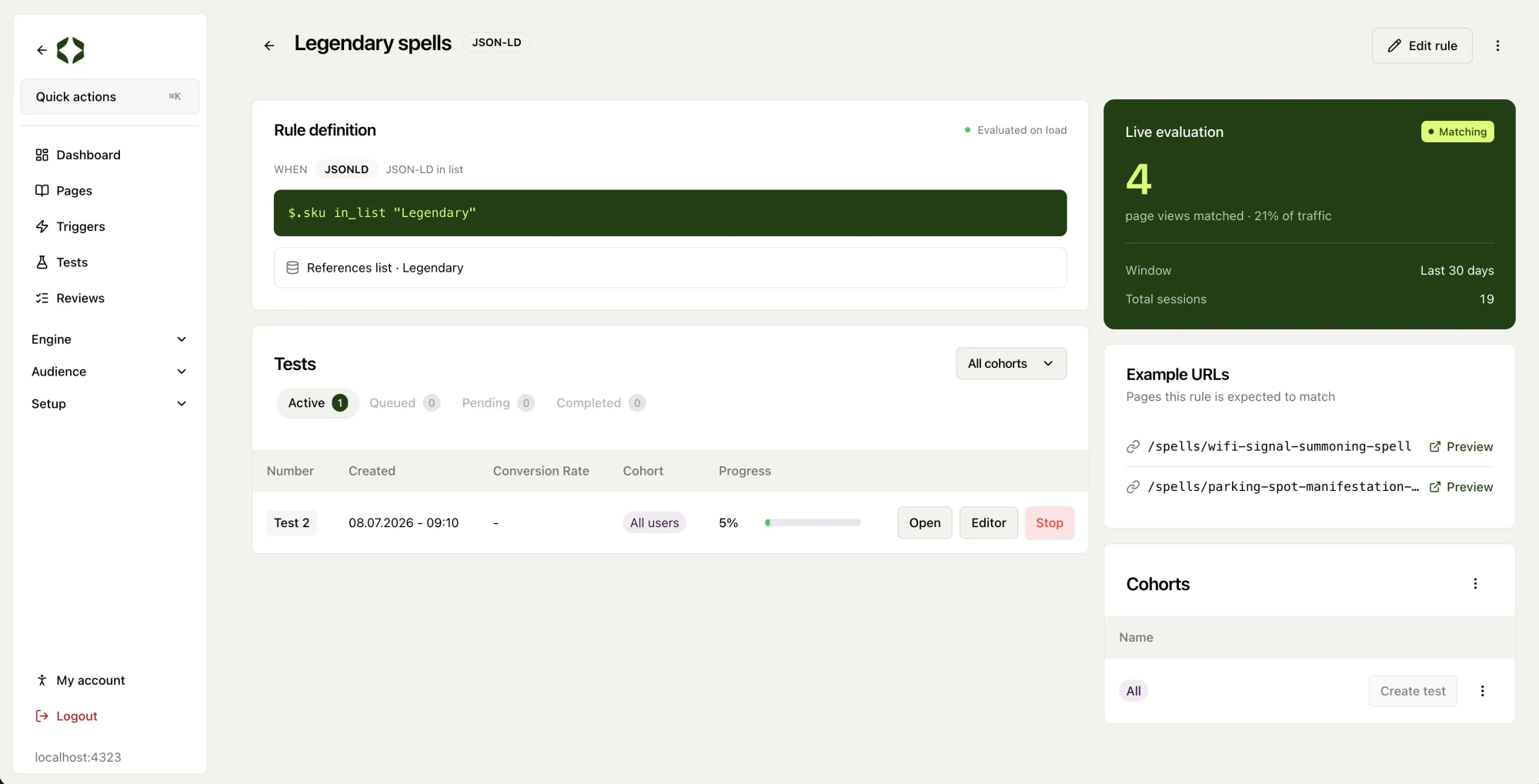
Until now, tests were matched to pages by URL path alone. That works for simple cases, but not when you want a test to run only on in-stock products, only on items from a specific SKU list, or only on pages above a certain price. Triggers give you that control. Define a rule once, attach it to a test, and the test only runs where the rule matches.
You can build a trigger from four kinds of rule:
- An element on the page: match when something like an “in stock” badge exists, is visible, or holds a particular value. Read the element’s text or one of its attributes.
- Structured product data: most ecommerce pages already publish structured data about price, SKU, and availability. Point a rule at a path like the product’s SKU and match on it directly.
- URL pattern: match by path and query, with wildcards and pattern matching for more reach than an exact path.
- Custom logic: for advanced teams, write your own logic that returns true or false.
Rules combine into AND/OR groups, including nested groups, so you can express precise targeting like “in stock AND (in the Legendary SKU list OR price above 200)”.
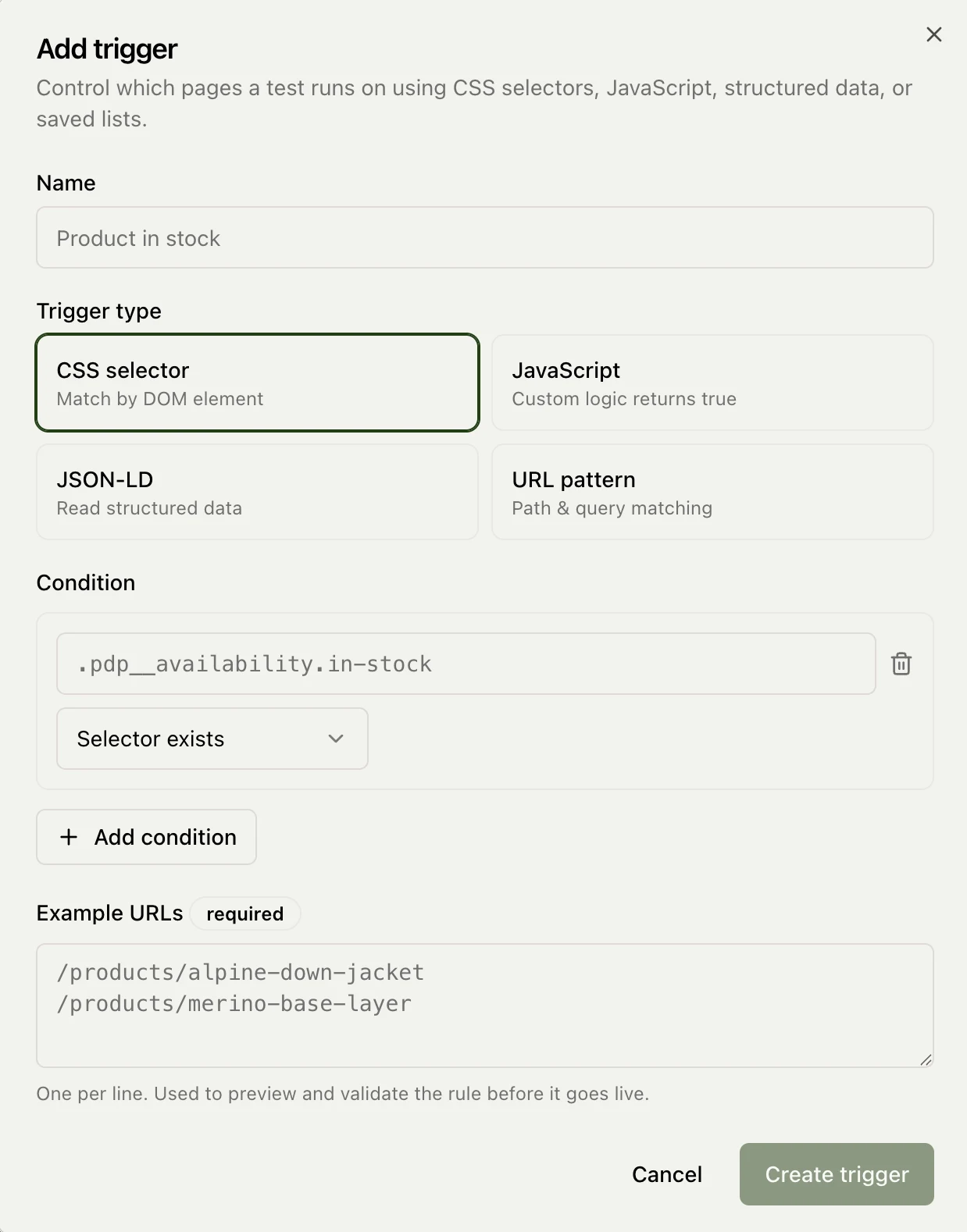
Reusable lists hold the values that triggers check against: product IDs, SKUs, category slugs. Each entry is a plain value or a pattern, and you can import up to 50,000 of them from a spreadsheet. Lists are shared across triggers, so you update one list and every trigger using it follows. A list cannot be deleted while a trigger still depends on it.
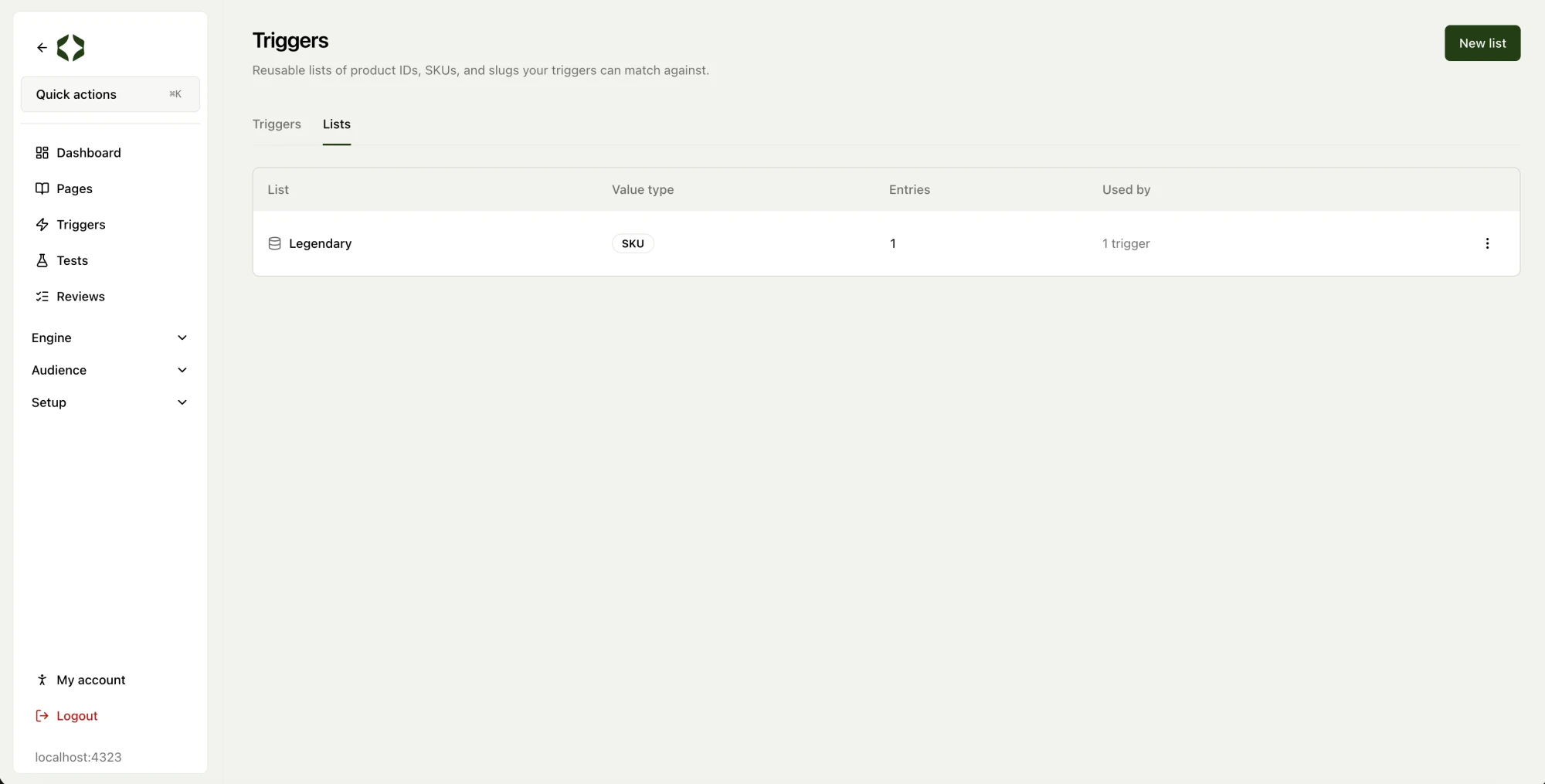
When you create a trigger you add example URLs, one per line. They preview and validate the rule before it goes live, and they give the agent a real page to build tests against. Once live, every page view records which triggers matched, whether or not a test ran. The triggers page shows matched page views and a match rate for each trigger over whichever time range you pick, so you can confirm a rule is catching the right pages before you commit any traffic to it.
Many tests can share one trigger. Its detail page lists every test it gates, split by active, queued, pending, and completed, and lets you create a test per cohort straight from the trigger. Trigger-gated tests take precedence over plain page-matched ones. Because tests depend on triggers, you archive a trigger rather than delete it.
Variations that add, not just rewrite
The variation agent can now insert brand new elements onto a page instead of only modifying ones that already exist. That opens up variations like adding a banner, a badge, or a whole new section, not just rewording what is already there. Agent chat is also linked directly in the sidebar now, so it is one click away from wherever you are.
Fixes
Onboarding could get stuck on the goal step with no clear explanation. It now moves through cleanly, and when a page cannot be checked, the error tells you what actually went wrong.
Contentful syncs had a similar problem: the sync looked frozen even while it was working. It now shows progress right away and verifies your content after cloning. Asset downloads and endpoint checks also work on sites that were previously blocking them.
Finally, agent chat search now finds the hypothesis or test you are after even when you type the words out of order. Search the way you think, not the way it was written.