Builds That Ask Instead of Failing
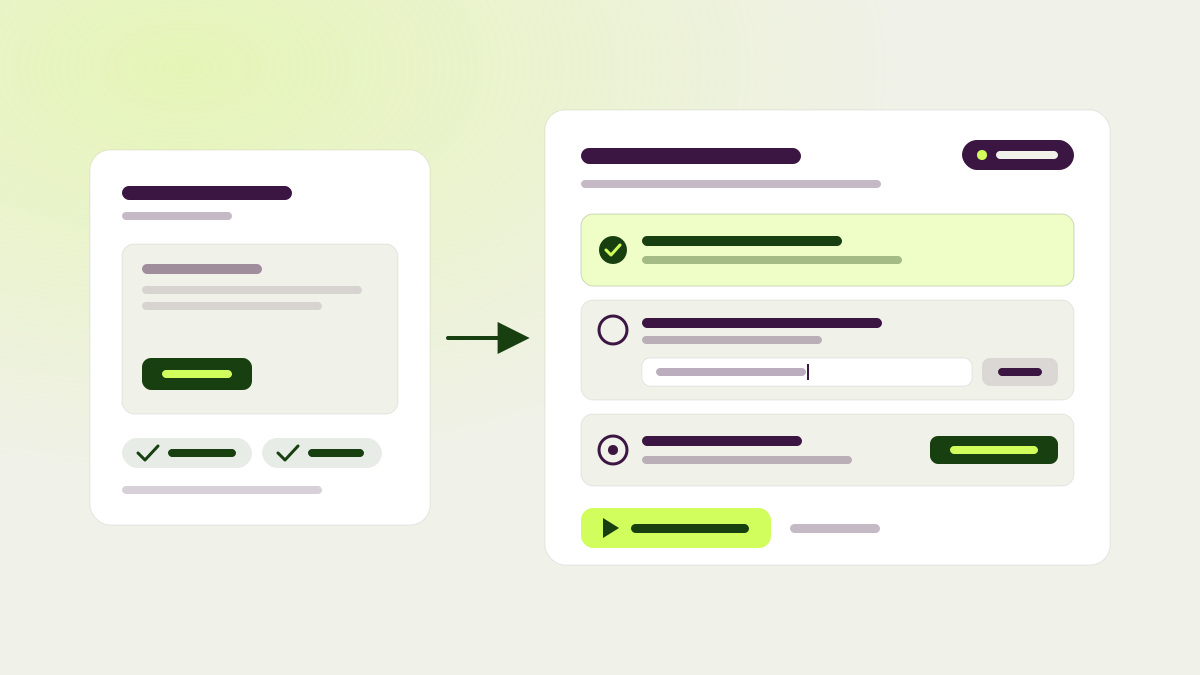
A test build used to end one of two ways: a finished draft, or a failure you had to start over from. Often the agent was only missing something small, like a goal to measure or an answer about your site. Now it asks. When a build needs something only you can give, the test stops as Needs input and keeps its draft, with a short checklist of what’s missing.
For each item you can apply the suggested fix in one click, answer the question, or dismiss it. Then continue the build, and the agent resumes its own conversation where it left off, with everything it had already worked out. You can do the same from chat or your connected AI tools.
A missing goal no longer holds a test back at all. The test ends as a normal draft with a suggestion to add one of your existing goals, or to create a click, page view, or event goal in one click. And if a draft, blocked, or failed test needs a fresh start, Rebuild test is now in the tests menu.
Checked in a real browser first
Before a variation reaches you, pagent opens it in a real browser, clicks through it on desktop and on a phone, and checks that it works. On a phone it tells your site it is a phone, so shops that serve a separate mobile layout get checked on that layout. If the check can’t finish, you keep the draft and see a plain explanation of what went wrong. You don’t lose the work.
Tests that wait their turn
Queue a test to start after a test you choose, not just whichever finishes next. The tests list marks what each queued test is waiting on, and the handoff holds while the earlier test is in review or being rebuilt. On a hypothesis, you can now attach a test that already exists, so older tests and their results sit with the idea they tested.
Preview on any phone
The mobile preview in the browser extension now works on every page of your site, including pages that don’t load the pagent SDK yet. Pick a phone from the size menu to see the page at that phone’s exact screen size, or stay on Responsive and drag the edges to any width.
The preview pill has controls of its own. Open them to switch between the original and each variation, turn outlines around the changed elements on or off, and see a numbered list of the test’s changes. Click a change to jump to it on the page. On a phone the pill starts collapsed to the variation’s letter, so it stays out of the way. Preview and editor links also work on sites that turn away links with unfamiliar parameters.
Also new
- Consent mode for the SDK: add
data-require-consentand pagent holds every event until the visitor opts in, then sends them with their original timestamps. Variations still show, and opting out discards what was held. - The extension editor keeps your chat history, so you can search earlier conversations, pick one up again, or archive it.
- Chat names the page you’re on in its context chip and explains on hover what that means. A highlighted drop area appears when you drag files over the message field.
- On your GitHub integration page you can edit the guidance pagent follows for your repository. When preparation can’t match a page to your code, pagent says why.
- Dashboard analytics are cached for fifteen minutes, so the dashboard opens faster.
- Ask chat or your AI tools for something pagent can’t do, and you get a clear answer on whether it’s supported, partly supported, only available in the app, or planned.
- Fixes: the Page filter in analytics filters by the page’s URL, results refresh correctly for tests with several once-per-visit goals, and goals are detached when a script change they belonged to is replaced.