From Winning Test to Pull Request
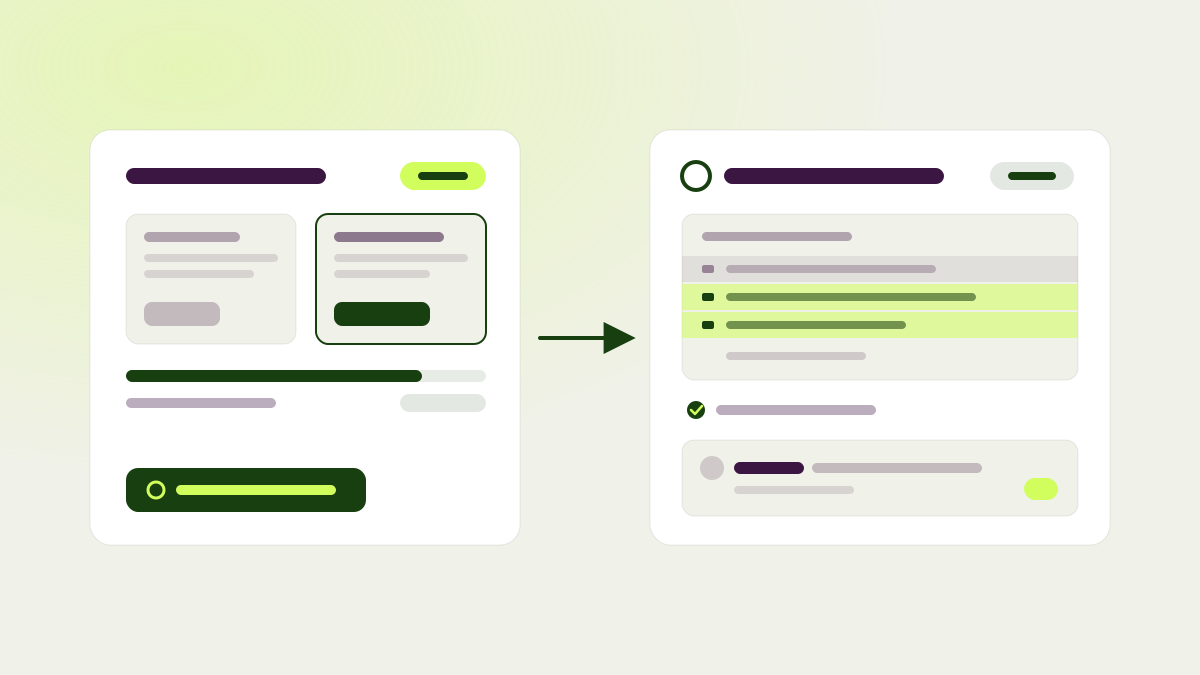
A winning test used to leave you with a to-do: someone had to rebuild the change in your codebase so it would still be there once the test was switched off. pagent can now do that part. Connect a GitHub repository, and a finished test becomes a pull request against your own code, ready for your team to review and merge like any other.
Setup happens once, under Integrations > GitHub. Pick the repository, the branch, the folder your site lives in, and a few of your site’s pages. pagent reads the code and the live pages, works out how your project is built and checked, and writes itself working notes for later. You can read those notes, add your own standing instructions, and prepare the repository again whenever something changes. If pagent can’t set up a working copy of your project, the repository is marked as blocked, the reasons are listed, and no pull request is attempted until that’s fixed.
From then on, a test that won shows a Create pull request action. pagent writes the variation into your code, runs the same checks your project uses, and opens the pull request. You can do the same for any completed test, and pick a variation when there is more than one, if you want to ship something that didn’t win. pagent only recommends it for winners. Your GitHub page lists every pull request with its status and run history. If a reviewer on GitHub wants something changed, they mention pagent in a comment on the pull request, and pagent pushes a new commit and replies. You can also ask chat, or your connected AI tools, to open a pull request for you.
A chat you can act on
Chat is now the first screen a website opens on, and what it suggests depends on where you are. A new workspace is offered help with its first test and installing the SDK. One with tests in review, running, or finished gets prompts about those tests. The dashboard moved to its own page and starts with three cards (Tests, Reviews to do, Conversion rate). Every other card can be added from a panel that describes each one and groups them by category.
Conversations are much more interactive. When pagent needs something from you, it asks a question you answer by picking a real test, page, or goal, instead of typing a name and hoping it matches. A test proposal can be edited in place before anything is built, and results come with follow-up actions. You can queue your next message while pagent is still working, or stop it and send right away. A queued message survives closing the tab, and routine lookups fold into a short summary so the reply stays readable.
Answers also show more:
- Analytics questions come back as charts, with peak, average, and totals where adding the numbers up makes sense.
- Analytics can be broken down by device, country, test, variation, audience, page, and other dimensions, and chat says which unit it is counting, so unique visitors are never reported as total views.
- Any test chat creates, looks up, or acts on shows a side-by-side screenshot of the original and the variation, with a link to preview it live.
- Before sending a test to reviewers, you can ask chat to prepare a private review first and go through the changes yourself. Nobody else sees it until you send the real review.
Tests stop on a schedule you choose
pagent refreshes results every hour, but a test is only allowed to stop at scheduled checks, and each check has to clear a stricter bar the more often you look. So checking often no longer makes a lucky early result look like a winner. Choose 1, 2, 4, or 24 automatic checks per day as a website default, and override it per test. Every automatic decision is recorded along with the evidence it was based on. The test page shows the latest data separately from the last decision and when the next check is due. A test that reaches its maximum duration gets one final check on the spot, not at the next scheduled slot.
Reviews on the page itself
The browser extension has a review mode. Reviewers can go through a test’s changes, goals, and triggers on your live site and pin a comment to any element on the page. Comments are saved as you go, show up on the review page where the review is submitted, and point the agent fixing the test at the exact element.
Reviews no longer have to wait for everyone. When starting a review, you can require approval from all mandatory reviewers, as before, or only a set number of them. Fix Issues now shows modifications that were added after the review started. If a fix changes the test, pagent asks for a new review instead of offering Start Test.
A calmer workspace
The sidebar now pins six destinations by default: Chat, Dashboard, Hypotheses, Tests, Reviews, and Settings. Everything else is under More. Edit sidebar lets you pin, unpin, and reorder items, and your choice follows you across websites.
Tests look the same everywhere. The tests page, the dashboard, page details, and the cross-website tests page all use one grouped list with one actions menu, where you can start, queue, pause, resume, stop, start a review, or open the editor. Rows are named after their hypothesis, show how many days the test has run and how its review went, and a capsule sums up the last 30 days of winners. Any built test can be previewed from the list, not only running ones. Targeting fits on one line, with icons for audience, trigger, and exclusions that open the details. On the test page, the hypothesis moved behind a Show hypothesis link in the menu.
Hypotheses with a running or paused test now sit in their own In progress group, and Evaluated is renamed Concluded. Files can be dropped anywhere on a hypothesis page to attach them. The extension can browse all tests and hypotheses for a website, and its editor panel shows the hypothesis ID with a link to the hypothesis.
A few more changes close out this release. Adding a website still analyzes your site and sets up personas and goals, but no longer creates a first test for you; that’s your call now. Test links in chat replies open the test. The dashboard keeps its month filter, and the analytics views apply conversion and page view filters the same way everywhere. Re-running onboarding can replace personas that audiences already use. Creating a test from a hypothesis asks for confirmation and uses the hypothesis’s targeting. Remote browser sessions recover after they expire, so long agent runs don’t fail halfway.